




A small loop that keeps you close
Simmer turns staying in touch into a habit you can actually keep. Your feed brings up the next person, you reach out, jot a quick note, and follow through. Simmer keeps track of the rest, so the people who matter stay in view.
No curating before you begin
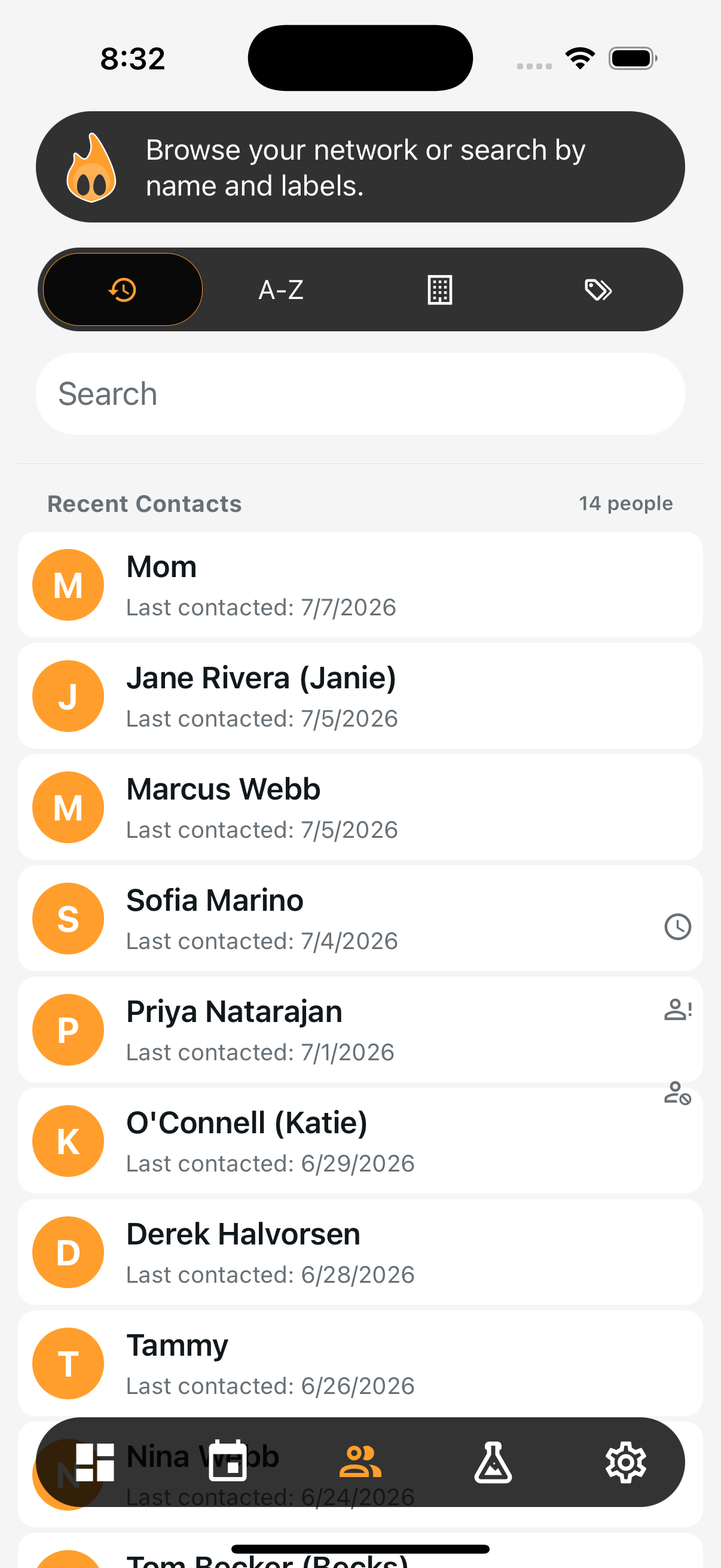
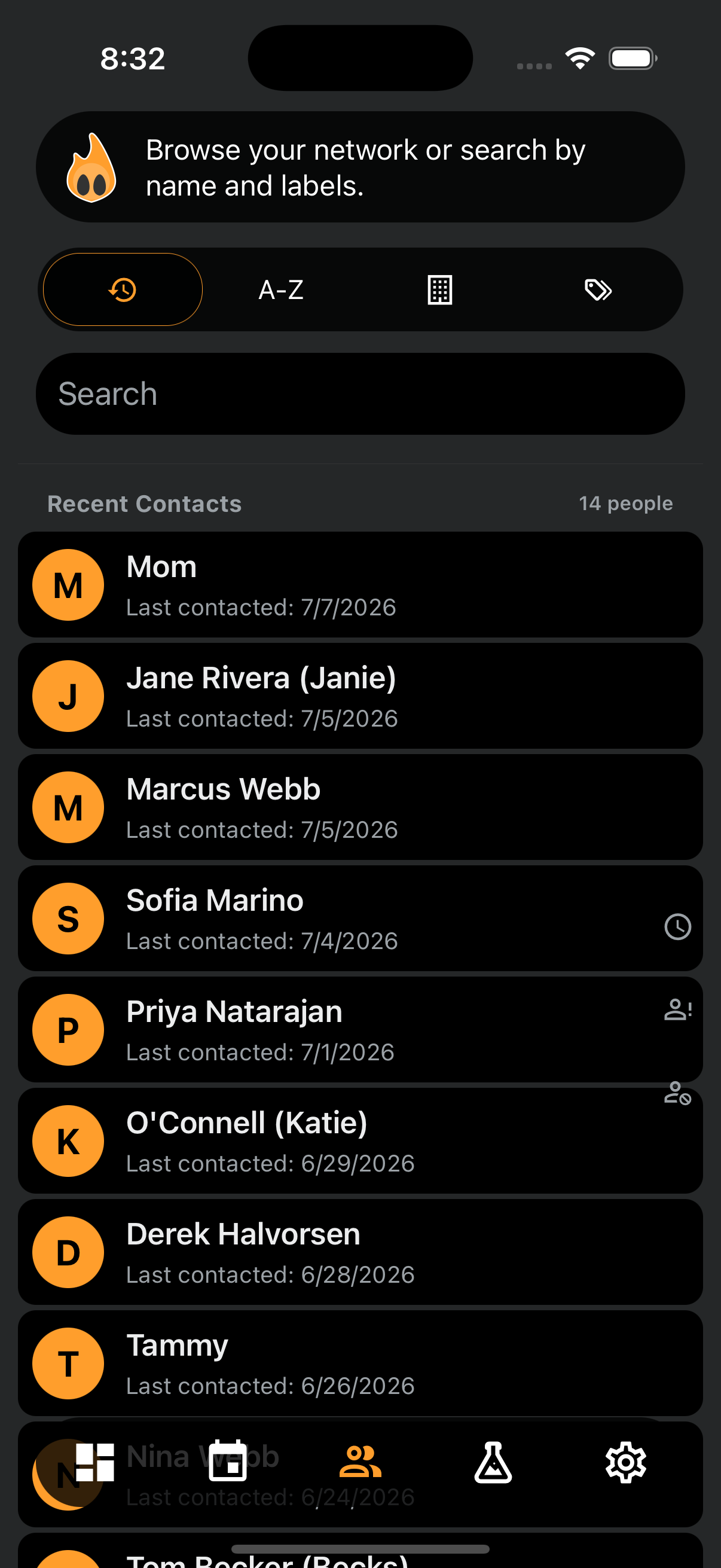
Grant access once and Simmer works with everyone already in your phone. There's no combing through your whole list to pick favorites before you've even started. Figuring out who to reach out to, and when, is exactly the part Simmer handles for you.
Simmer looks at the contact cards themselves, never your messages or call history. Hints baked into email addresses, phone numbers, and other details are enough to add labels automatically, guess whether someone is personal or purely professional, and spot the contacts you probably don't mean to keep up with. Your dentist, your plumber, and that customer support line stay out of the rotation.
Three kinds of reminders, never ads
Simmer's reminders are quiet notifications on a rhythm you set, never ads. There are three kinds:



Everything you need to make the call
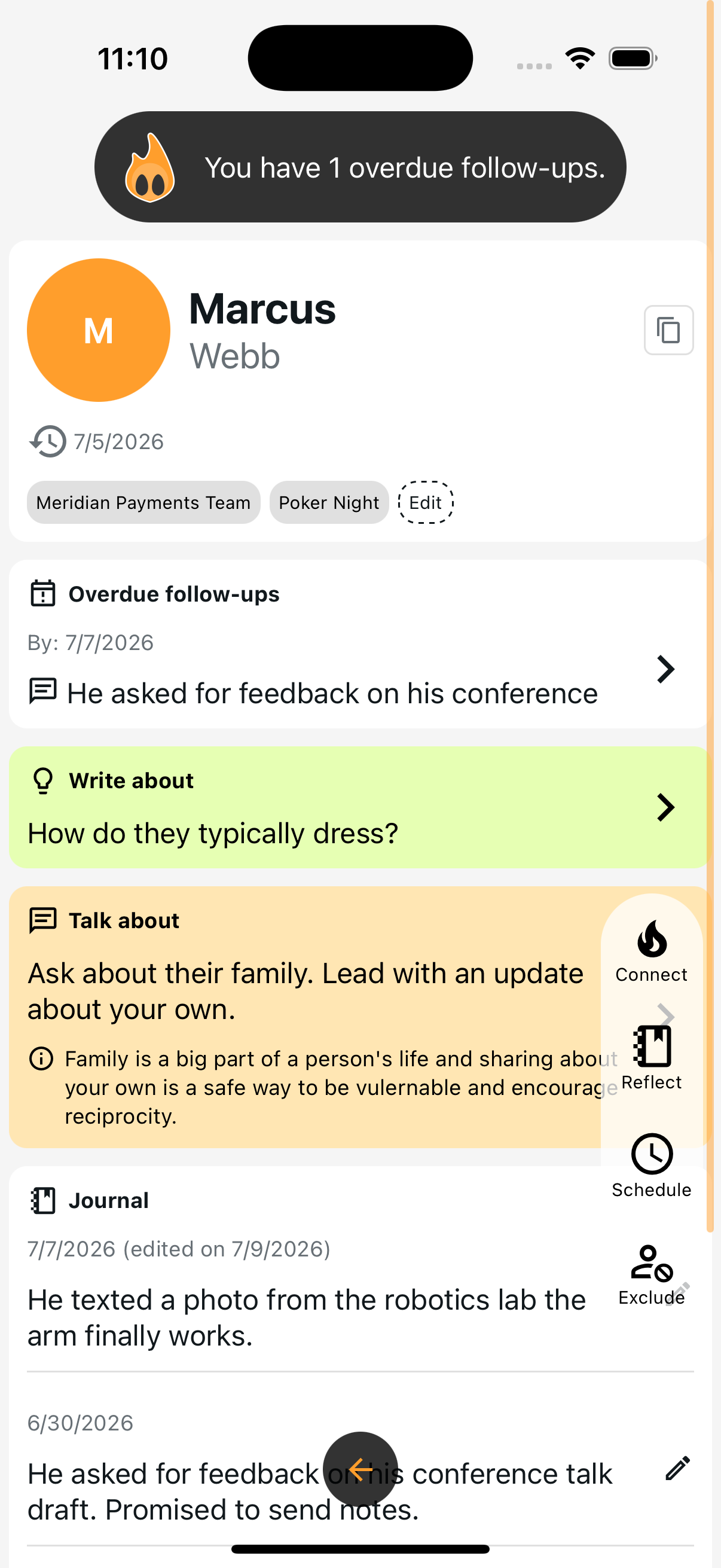
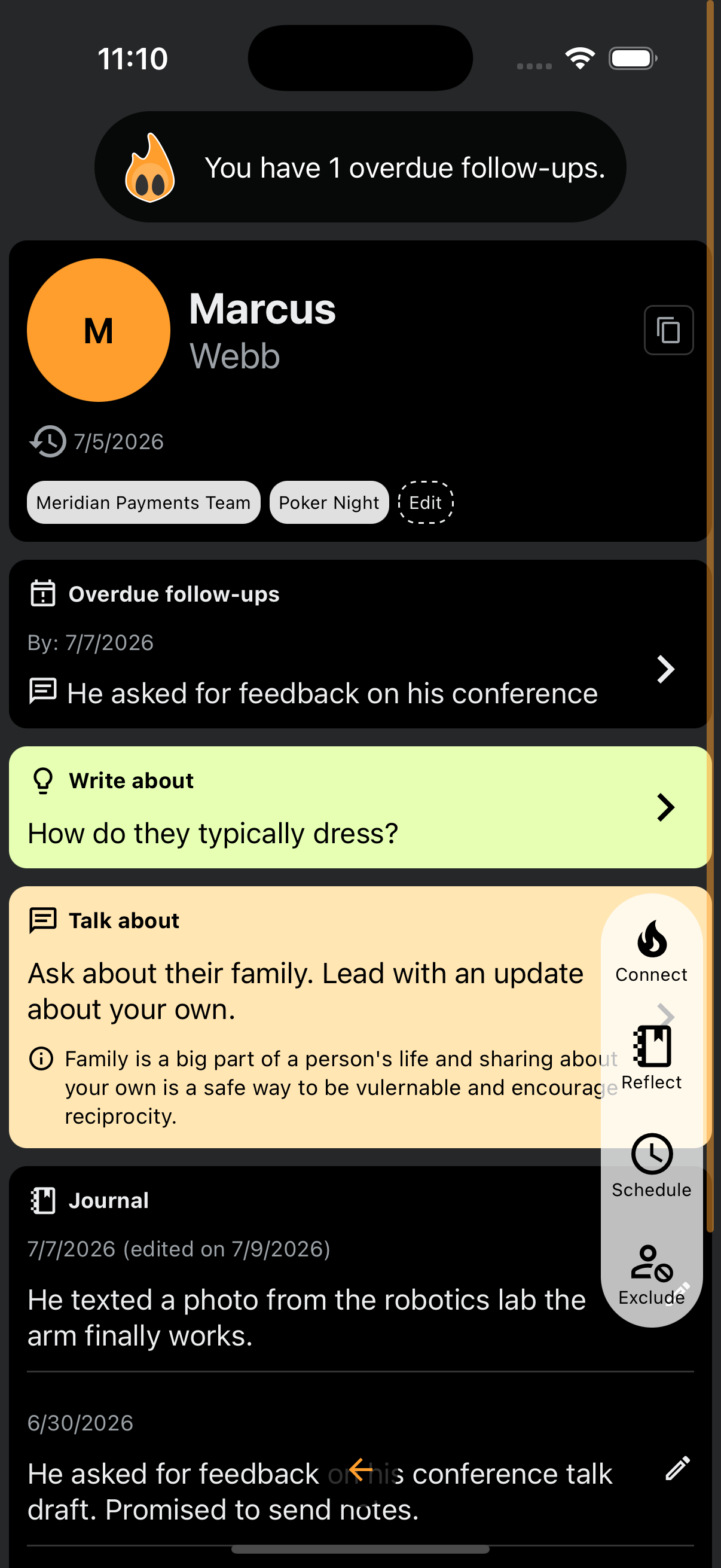
Simmer gathers a person's context onto a single screen, so the decision is quick. At a glance you see any follow-ups you owe them, suggested topics to bring up, their labels, a short summary, recent journal entries, and the last time you marked a connection.
That's everything you need to answer the real questions. Do I have enough to reach out right now? Do I even want to? Is there a note or label worth adding to keep them organized?
The whole point is to move you to action, or to give you the confidence to skip on to the next person.
A swipe moves you on, and Simmer learns
Get to the next person with a swipe. Skip someone and they're not gone. They come back around later, unless you tap Exclude to take them out of the rotation for good.
Every move teaches Simmer: connecting, skipping, excluding, labeling, or scheduling a recurring check-in, weekly or monthly or whatever fits. Over time it learns how you like to keep in touch, and who you want to keep close.